Actions - current Project
|
Actions > Actions - current Project |
On the Actions tab, you can create, edit and organize actions for the current project in a Kanban view.
The actions are grouped by state in columns. There are the following states:
▪Not Started: The action has not yet been started.
▪In Progress: The action is being processed.
▪Completed: The action has been completed.
▪Deferred: The action is on hold.
▪Waiting on someone else: The action must be processed by someone.

Two filter options are available:
▪Filter actions by assigned persons. (1)
▪Actions by name and/or content. (2)
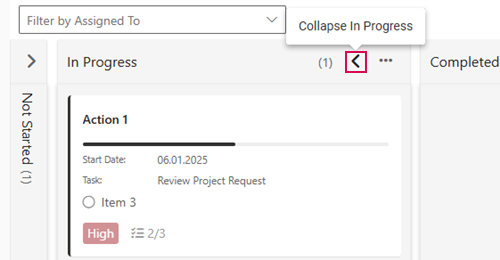
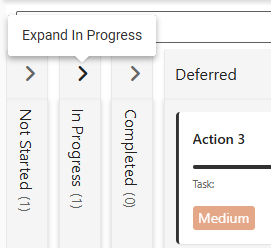
For better clarity, you can collapse or expand the columns:
➢Select the column you want to collapse or expand.
➢Click the arrow pointing left or right in the state column.
▶ The column will be collapsed or expanded.
▶ The Actions can be assigned to tasks in the TPG Scheduler (Schedule tab). How to show columns is described under Task Attributes.
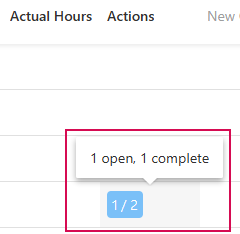
▶ The Schedule shows how many actions are assigned to the task and whether these actions are open or completed.
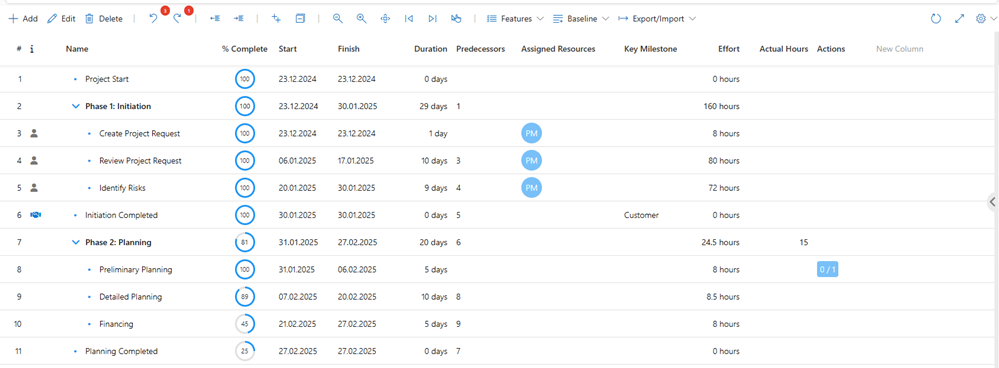
Example: 2 actions are assigned to a task. One of these actions has already been completed and one is open.