Approve entries
Project managers are responsible for reviewing and approving or rejecting the entries made by members of their project team. To do this, proceed as follows:
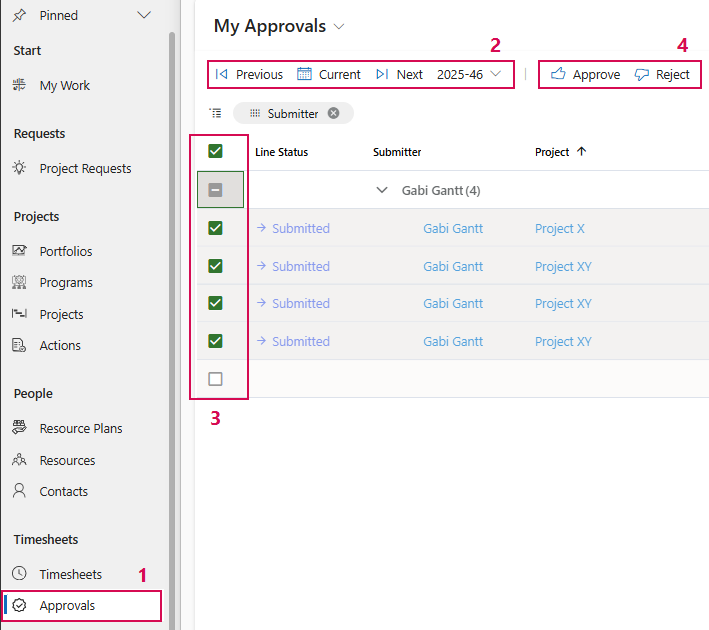
➢Click on Approvals in the navigation bar. (1) ▶ The My Approvals view opens.
➢Navigate to the desired week. (2) ▶ The submitted entries are displayed.
➢Select the checkbox for the line(s) you want to approve or reject. (3)
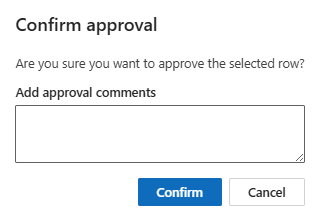
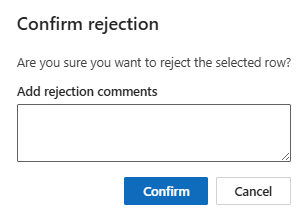
➢Click on Approve or Reject. (4)
➢Enter a comment for the project team member (optional). This comment will appear in the Approvers comment column.
➢Click on Confirm.