Actions - show across projects
|
Actions > Actions - organize across projects > Actions - show across projects |
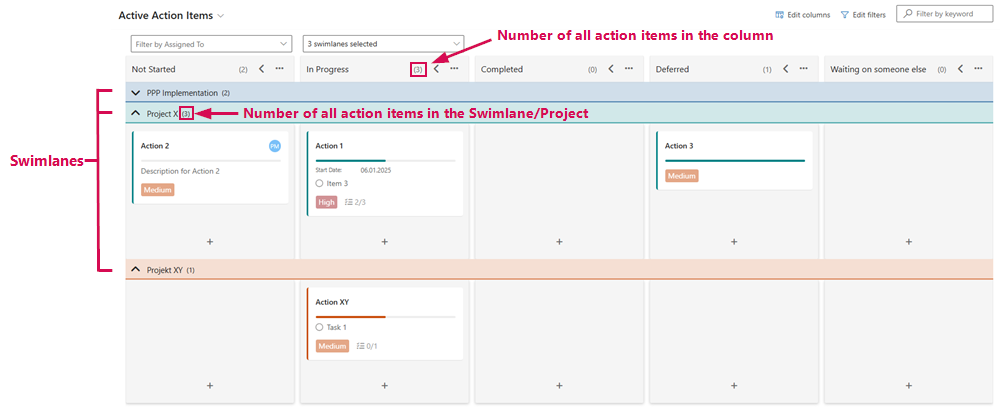
The action items from multiple projects are displayed in swimlanes on the Kanban board, giving you a clear and structured overview of all actions and their states.
Swimlane = line in which all action items of a project are displayed.
This display makes it easier to manage and prioritize actions across different projects:
For a better clarity, you can expand and collapse the action items of a swimlane:
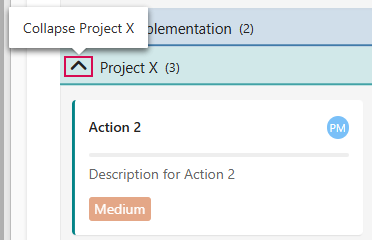
➢Click on the arrow pointing up on the left of the project name. ▶ The action items are collapsed.
Or
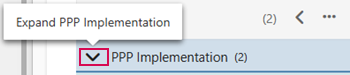
➢Click on the arrow pointing down on the left of the project name. ▶ The action items are expanded.
▶ You can also expand and collapse the columns. (see Action - current Project)