Deactivate and Activate Benefits
|
Benefits > Deactivate and Activate Benefits |
Benefits are active by default. You can deactivate Benefits:
➢Select the Benefit you want to deactivate.
➢Click on the Benefit row to highlight it. (1)
➢Click on Deactivate. (2)

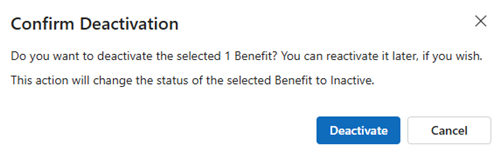
▶ The Confirm Deactivation field opens.
➢Click Deactivate to deactivate the Benefit.
By default, all active and inactive Benefits are listed in the table.
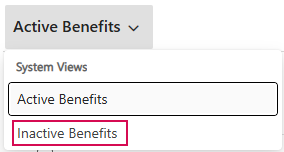
Display only inactive Benefits:
➢Go to Active Benefits.
➢Click the down arrow.
➢Click on Inactive Benefits.
Activate Benefits:
➢Select the Benefit as described above.
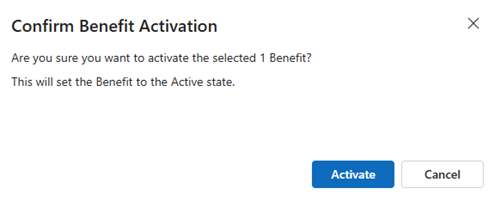
➢Click on Activate.

▶ The Confirm Benefit Activation field opens.
➢Click on Activate to activate the Benefit.