Edit Lessons Learned
A Lesson Learned can be edited as follows:
➢Click on the preview in the Lesson column. ▶ The form for editing the Lesson Learned opens.
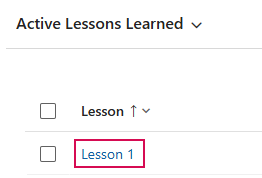
Or
➢Click on the row of the desired Lesson Learned to select it. (1)
➢Click on Edit. (2)

➢Enter the desired changes in the form.
➢Click Save & Close to save the Lesson Learned and finish editing.
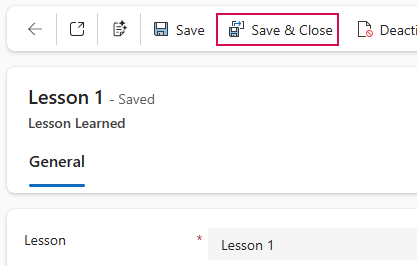
▶ Only Lessons Learned with the status Active can be edited. Deactivated Lessons Learned are locked for editing.