Priority Dashboard
|
Drivers > Priority Dashboard |
In the Portfolio Strategy section of the Navigation bar, you can access a Priority Dashboard. The dashboard supports you in strategically evaluating and prioritizing projects.
The priority values of the projects are based on two factors:
▪General weighting of the individual drivers
▪The impact that the drivers are expected to have on the respective project
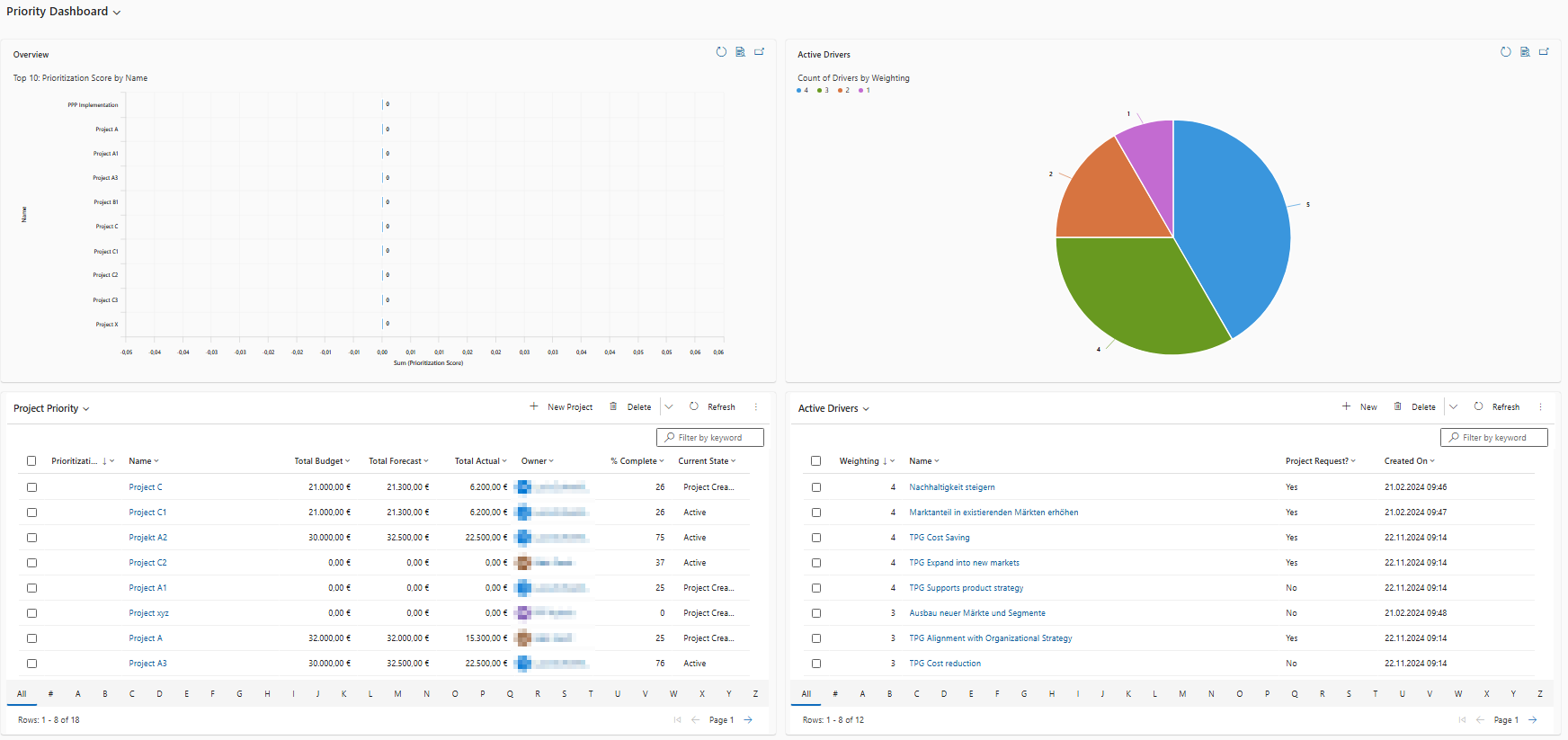
The Priority Dashboard contains two charts and two tables that present key information visually and in tabular form:
▪Overview (bar chart): Top 10: Prioritization Score by Name
▪Shows the ten projects with the highest Prioritization Score.
▪Active Drivers (pie chart): Count of Drivers by Weighting
▪Shows the distribution of active drivers by weighting.
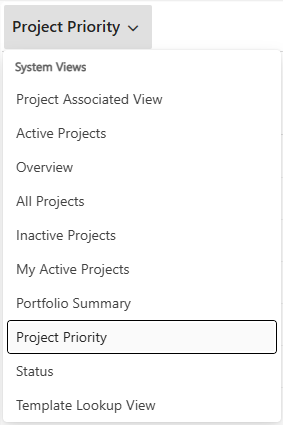
▪Project list (table): Project Priority (by default)
▪Contains additional information such as project name, status, and responsible person.
▪Other lists can be displayed using the drop-down menu.
(Lists sorted by priority can also be found in the view options under Project Requests and Projects in the navigation bar.)
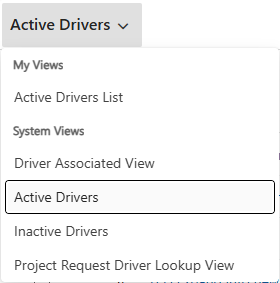
▪List of drivers (table): Active Drivers (by default)
▪Shows all drivers currently available in the system.
▪Other lists can be displayed using the drop-down menu.
▶ The dashboard is automatically updated as soon as changes are made to drivers or projects.
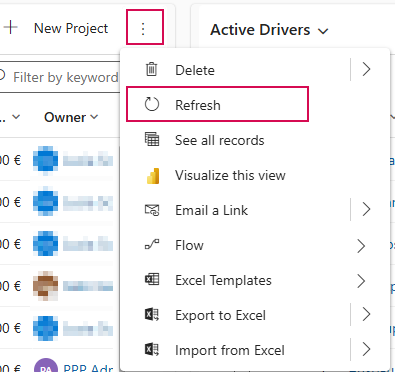
▶ If necessary, you can update it manually using the Refresh button (if available).