Changes
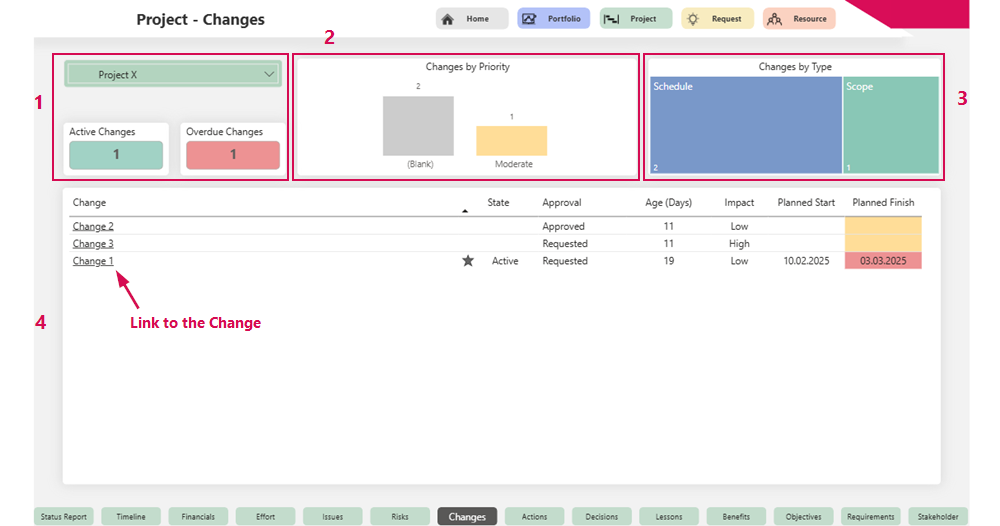
The Changes tab provides a detailed overview of all changes in the project.
Project overview (1):
▪Project Name
▪Number of active Changes
▪Number of overdue Changes
Visualization of changes:
▪Bar chart by priority: Shows the distribution of Changes by priority level (2)
▪Graphical representation of all Changes by type (3)
▪Tabular list of all changes with the most important information and link to the Change (4)