Actions
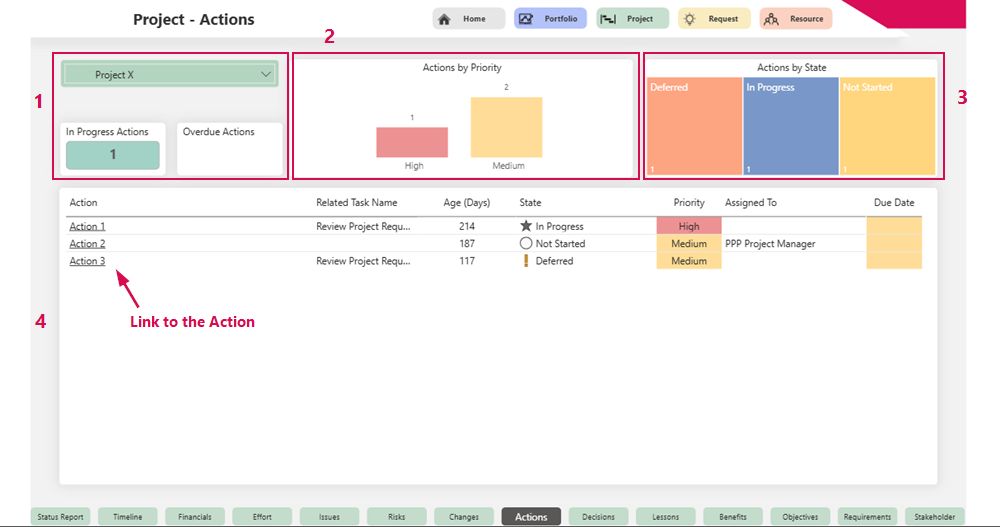
The Actions tab provides a detailed overview of all actions in the project.
Project overview (1):
▪Project Name
▪Number of active Actions
▪Number of overdue Actions
Visualization of Actions:
▪Bar chart by priority: Shows the distribution of Actions by priority level (2)
▪Graphical representation of all Actions by status (3)
▪Tabular list of all Actions with the most important information and a link to the Action (4)