Edit Stakeholders
A Stakeholder can be edited as follows:
➢Click on the preview in the Stakeholder Name column. ▶ The form for editing the Stakeholder opens.
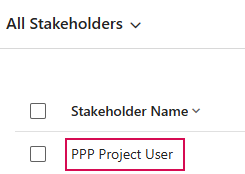
Or
➢Click on the row of the desired Stakeholder to select it. (1)
➢Click on Edit. (2)

➢Enter the desired changes in the form.
➢Click Save & Close to save the Stakeholder and finish editing.
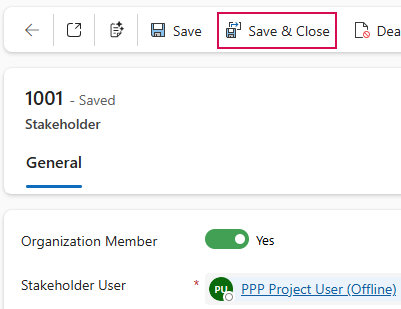
▶ Only Stakeholder with the status Active can be edited. Deactivated Stakeholders are locked for editing.