Create new Project
|
Project > Create new Project |
To create a new project in TPG PPP, follow these steps:
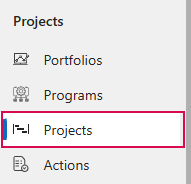
➢Click on Projects in the navigation bar. ▶ A list with all active projects opens.
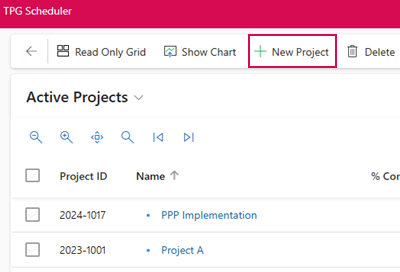
➢Click New Project in the command bar. ▶ The Project Details tab opens.
➢Fill in the project master data. (see Project Details)
➢Click Save in the command bar.
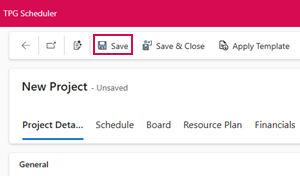
▶ A new project is created.