Checked Out
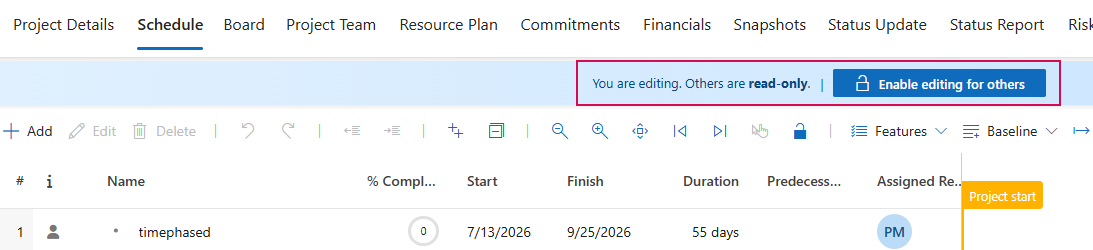
Exclusive editing mode prevents simultaneous changes to the same project. When a project is checked out, only the person who checked it out can make changes. Other users can still open the project, but they will see it in read-only mode.
➢Use Check Out to edit a project exclusively.
➢Use Check In to make the project available again to other authorized users.
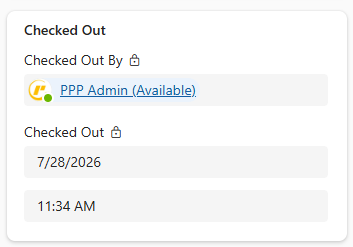
➢The Checked Out By field indicates who currently has a project checked out.
➢The Checked Out field indicates how long the project has been checked out.
➢The check-out status remains in effect even if the browser is closed.
In the project plan, you’ll see the following message when you open a checked-out project: