Details table
|
Work Interface and Views > Plan > Details table |
Details of a selected item can be shown and edited in a separate table below the main table. This is especially useful when you want to edit a specific group of data of all team resources at once.
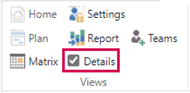
▪Select Details in the Views group of the menu bar.
▪In the main table, select the item of which you want to see the details.
In the example below, Vacation is selected. The details table shows the vacations of each of the team resources.
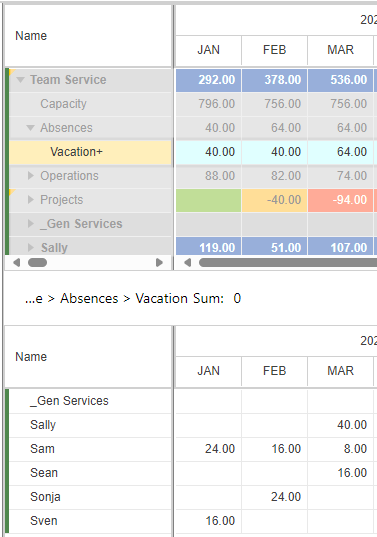
The Sum field above the details table shows the sum of selected cells. In this way you can, for example, display the annual planned work for a single resource.
➤ The selected cells can be copied and pasted from or to Excel.