Team level
|
Work Interface and Views > Plan > Team level |
➤ If the team is a parent team whose sub-teams are displayed, the data of the sub-teams are included in the calculation.
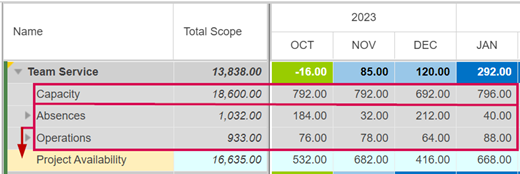
The row with the team name shows the utilization status of the entire team, i.e. the remaining availability. It is calculated by:
status = capacity – (absences + operations + project commitments)

The remaining availability is shown in heatmap colors according to preset thresholds.

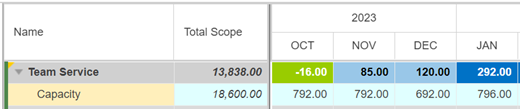
Capacity is the total team capacity.
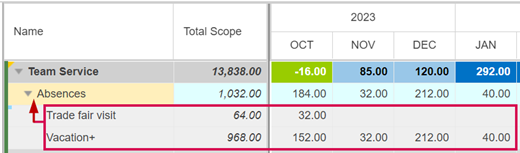
Absences summarizes the planned absences of the team.
The categories of absence are defined at team level. The category rows are automatically transferred to the individual resources in the lower part of the table. The data is entered at the individual resource level.
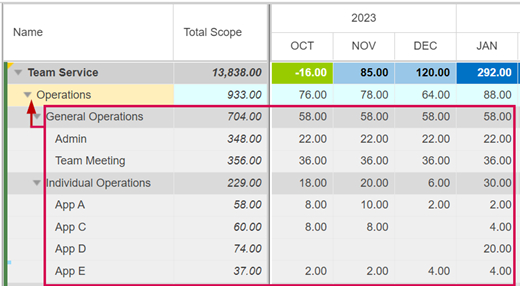
Operations summarizes the planned line operations of the team. There are two kinds of line operations:
▪General operations: The categories are created at the team level. The data is entered at the individual resource level.
▪Individual operations: Both the categories and the data are entered in the respective resource row.
Identical individual operations (same operation name) of different resources are automatically summarized on one row at the team level.
Project Availability shows the project availability for the entire team, including the committed hours. It is calculated by:
project availability = capacity – (absences + operations)