Deactivating/Activating projects
|
Planning Options > Editing projects > Deactivating/Activating projects |
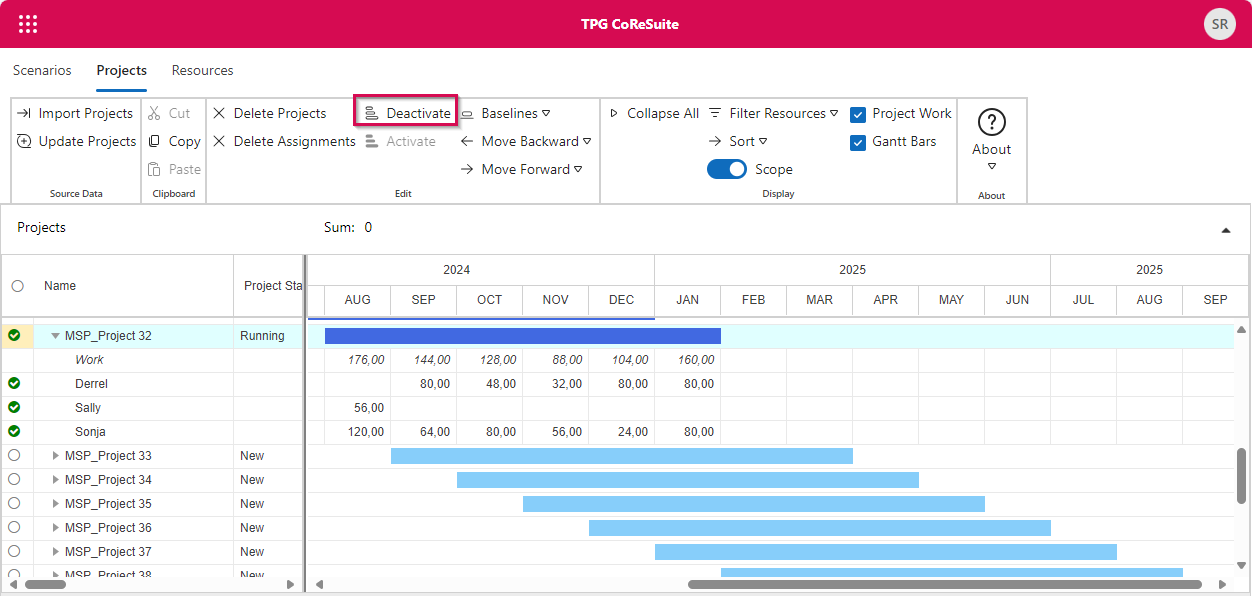
To avoid overloads, projects can be deactivated. The work values of inactive projects are no longer transferred to the resource table. Projects can be reactivated at any time.
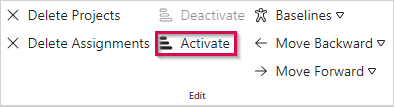
▪To deactivate a project, select it in the project table (2) and click Deactivate in the Edit group of the Projects tab (1).
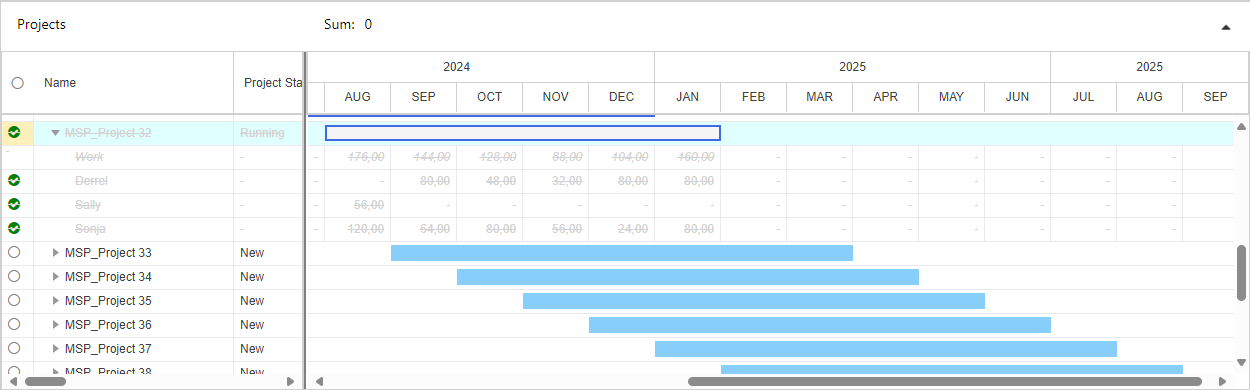
The Gantt bar will change to a frame, text and work values will be crossed out and grayed out.

▪To reactivate a project, select it in the project table and click Activate in the Edit group of the Projects tab.