Scenario information and comments
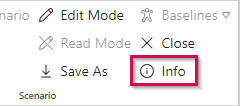
Basic information about the currently opened scenario (see Checking in and out) can be accessed via the Info button in the Scenario group of the menu bar.
Besides the portfolio and scenario name, you will see
- the start and finish date (read-only)
- the current access mode
- the number of new and running projects
- the number of resources
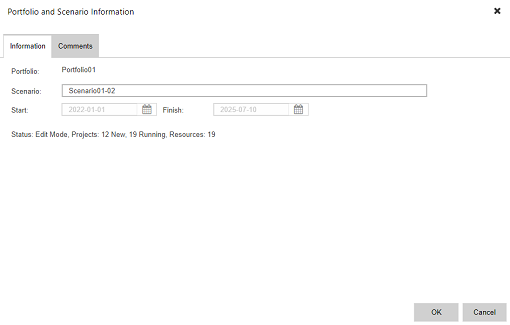
If filters have been applied, the project and resource numbers of the filtered view will be shown.
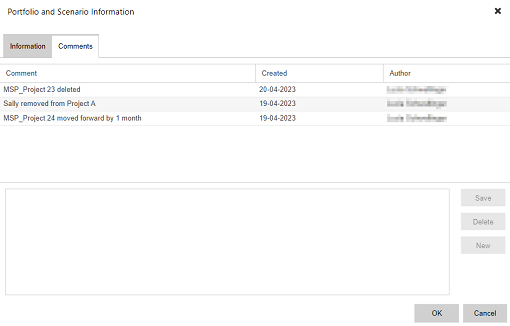
The Comments tab shows general comments on the scenario, listing the latest comment on top. See also Entering/Deleting general comments.
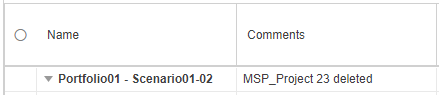
The scenario comments can also be accessed via the Comments column in the project or resource table of the Scenario view:
▪Right-click in the scenario row of the Comments column and click Display Comments.
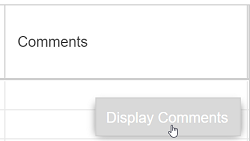
Once the comments have been accessed via the Comments column, the last saved comment will be shown in the table.