Viewing and editing project information
|
Planning Procedure > Projects > Viewing and editing project information |
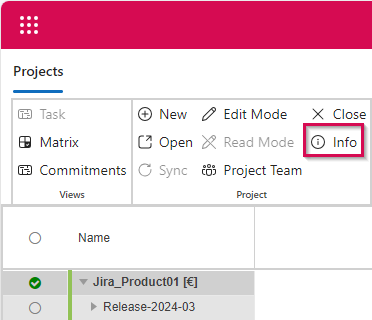
▪To see general information about a project, select the project summary task and click Info on the menu bar.
In the dialog that opens, you can change the project name, the project state and other values depending on the settings in CoReAdmin. To make these changes, the project must be checked out by you.
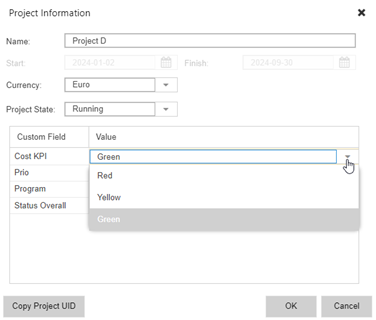
➤ By default, the Start and Finish fields are read-only. They will be filled out automatically when time-phased data are entered for the resources in the project plan. TPG CoRePlanner does not calculate the duration of projects.