Entering/Deleting general comments
Entering general comments can be useful to track changes made in the scenario or to note points to be considered.
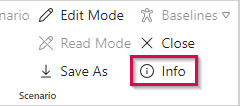
▪Click Info in the Scenario group of the menu bar and open the Comments tab.
Or
▪Go to the project or resource table in the Scenario view.
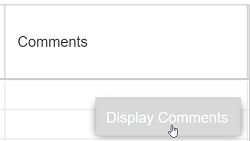
▪Right-click in the scenario row of the Comments column and click Display Comments.
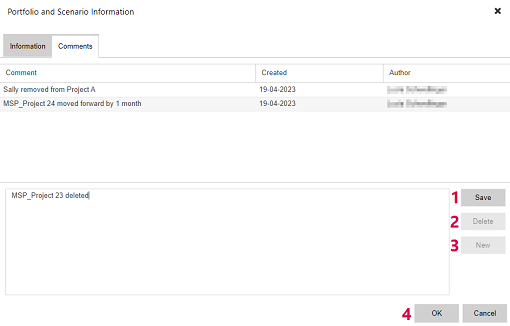
▪Enter your comment in the lower part of the window and click Save (1).
The comment will be displayed in the upper part of the window.
▪To save the comment and close the window at the same time, click OK (4) instead of Save.
▪To add further comments, clear the writing pane by clicking New (3).
▪To delete a comment, select it in the upper part of the window and click Delete (2).
➤ You can delete a comment only if you are the author. Comments entered by other users are read-only.
It is not possible to edit comments. If you want to make changes, delete the comment and enter a new one.