Deactivating/Activating resources
|
Planning Options > Editing resources > Deactivating/Activating resources |
You can deactivate individual resources of a project. The planned work of inactive resources is no longer included in the calculation. Resources can be reactivated at any time.
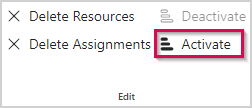
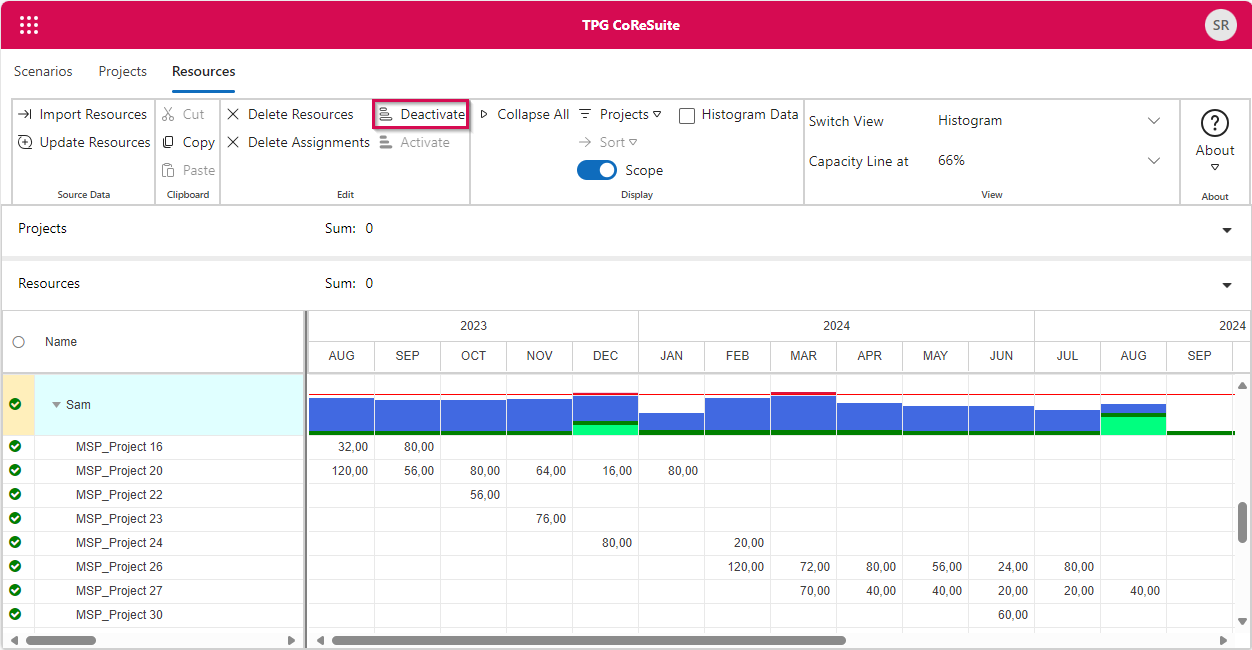
▪To deactivate a resource, select them in the resource table (2) and click Deactivate in the Edit group of the Resources tab (1).
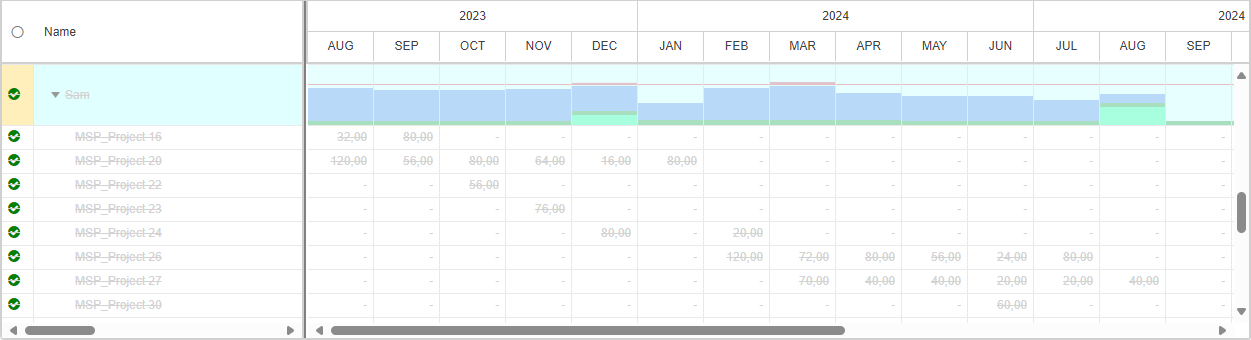
The resource and their work values will be grayed out, the name and text data are crossed out.

▪To reactivate a resource, select them in the resource table and click Activate in the Edit group of the Resources tab.