Setting baselines
|
Planning Options > Editing projects > Setting baselines |
Before moving projects on the timeline to simulate different planning options, a baseline should be saved. Per project one baseline can be set. You can set baselines for all projects of the scenario at once or for specific projects.
▪To set baselines for all projects, open the Scenario tab.
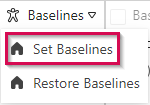
▪Click Baselines in the Scenario group of the menu bar.
▪Select Set Baseline.
▪To set baselines for specific projects, select the desired project(s).
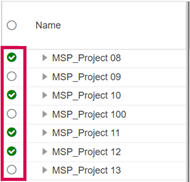
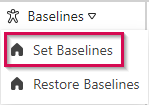
▪Click Baselines in the Edit group of the Projects tab.
▪Select Set Baseline.
Baselines are shown in gray in the bar chart:
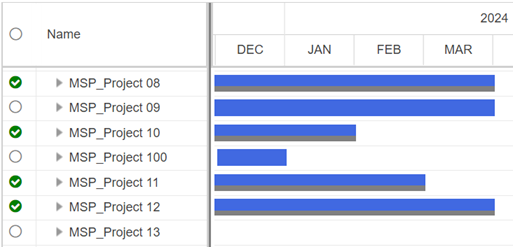
When the baseline is set, the baseline start date and the baseline finish date are shown in the corresponding columns in the left part of the table.