Changed projects
|
Work Interface and Views > Plan > Predefined project filters > Changed projects |
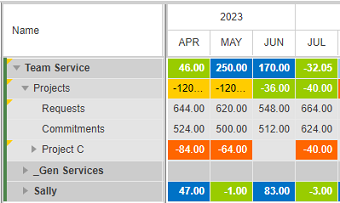
When you import projects from the source tools, projects that have been changed since the last import are marked with a yellow triangle. To focus on these projects, you can filter out all other projects.
➤ While this filter is applied, the Add Item menu and the Delete Item button will be disabled, and it is not possible to import projects. Filtering via the filter pane will be disabled.
▪Click the Changes filter in the Display group of the menu bar.
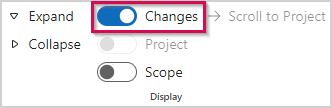

▪To remove the filter, click the Changes filter again.