Project level
|
Work Interface and Views > Plan > Project level |
➤ If the team is a parent team whose sub-teams are displayed, the data of the sub-teams are included in the calculation.
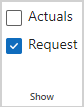
The Requests and Commitments rows mentioned below are visible if Request is selected in the Show group of the menu bar:
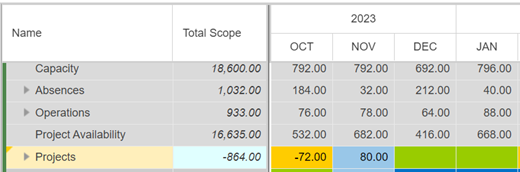
Projects shows the status of all project commitments for the entire team. It is calculated by:
status = commitments – requests
These data and the commitment status of the individual projects can be found when the Projects field is expanded. You will find:
▪Requests: Sum of all requests from the projects
▪Commitments: Sum of all project commitments done by the team leader
▪List of all projects with resource requests for the actual team.
Each row summarizes the status of commitments of the entire team for this project, calculated as commitment less request.
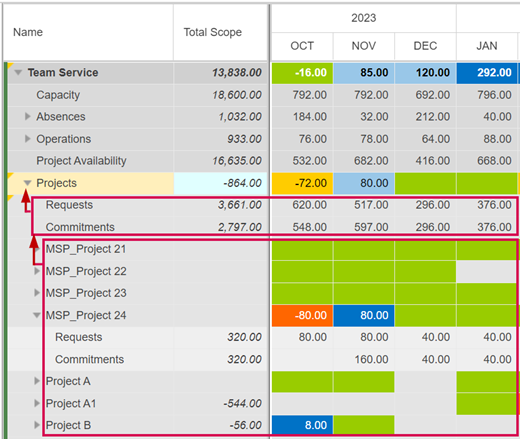
The commitment status is shown in heatmap colors according to the thresholds. A green field without any number indicates that the commitment exactly equals the request. A red field indicates that 20% or more of the requested work time has not been committed yet.
