Assembling a project team
|
Planning Procedure > Resources > Assembling a project team |
▪To assemble the resources for your project, select the project summary task and click Project Team in the Project group of the menu bar.
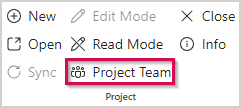
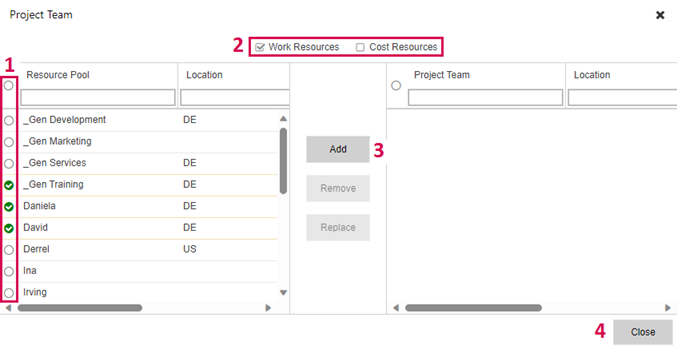
The left part of the Project Team window shows the resources of the resource pool.
▪Use the checkboxes in the upper part to define the resource types to be shown (2).
▪Select the resources you want to add to the project team (1).
To filter for specific resources, enter their name or properties in the respective search field above the list.
▪Click Add (3).
The selected resources will be moved to the right part of the window.
▪Click Close (4).
In the same way, you can later add further resources to the project team.
The next step is to assign resources to the tasks.