Creating and deleting tasks
All tasks of a project are at least one level below the project summary task. Therefore, the first task you create in a new project will be a sub-task of the project summary tasks.
▪Select the task below which you want to create a new task. In a new project, select the project summary task.
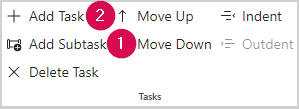
▪To create a sub-task, click Add Subtask in the Tasks group of the menu bar (1).
▪To create a task on the same level, click Add Task in the Tasks group of the menu bar (2).
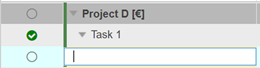
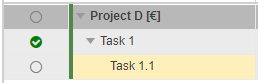
▪Enter a name for the task and press the Enter key.

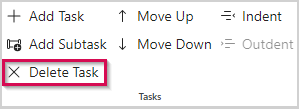
▪To delete a task, select it and click Delete Task in the Tasks group of the menu bar.