Timeline
In this Chapter you find all settings around the topic Timeline.
▪In the Timeline group of the menu bar, click Scope.
That opens the timeline settings.

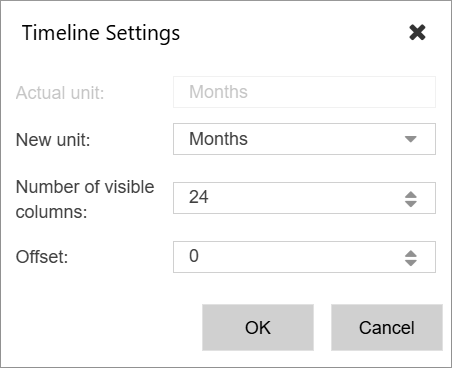
At New unit you can set the desired unit. Available is Days, Weeks, Months, Quarters, Years. Values are always stored in hrs/day so that the system always calculates the correct value for each unit.
If you have set the unit other than days, the entered number of hours will spread through the number of working days within that unit.
At Number of visible columns you set the number of visible columns which is important if you want to show days the more columns you set the longer the system needs to render the view.
Offset sets the Number of Units Offset from the current date.