Projects in timeline scope
|
Work Interface and Views > Scenario > Projects in timeline scope |
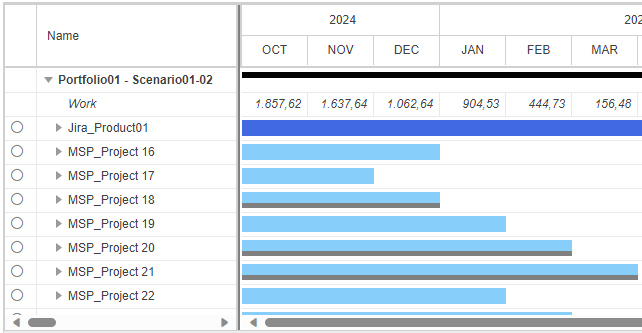
To see only projects and resources that have assignments in the actual timeline scope, you can filter out all other projects.
▪Click the Scope filter in the Show group of the menu bar.
This button is on the menu bar of the Scenario, the Projects and Resources tab. Its toggle status will be maintained between browser sessions.


➤ This filter can be combined with the project filter based on resources, the resource filter based on projects and the filter based on custom field values. With multiple filters applied, the data shown in the scenario reflect the intersection of the selected filter criteria.
▪To remove the filter, click the Scope filter again.