Adding resources to projects
|
Planning Procedure > Committing projects > Adding resources to projects |
When the request for a member of a project team exceeds their remaining availability or when a project was planned with generic resources, it can be necessary to add personal resources to a project.
There are two options to do this:
Option 1: In the Matrix view
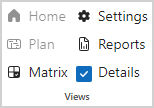
▪Click Matrix in the Views group of the menu bar.
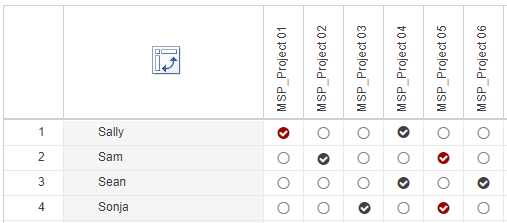
▪Select the appropriate checkbox to assign a resource to a project.
The checkmark will have a black background. The background will turn red when commitments are made for the resource.
Option 2: In the main table
▪Select the name of a resource in the main table.
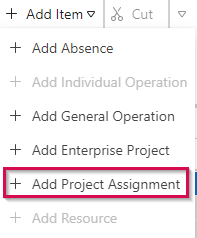
▪On the menu bar, click the arrow next to Add item and select Add Project Assignment.
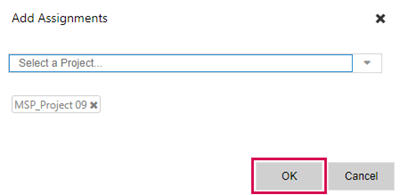
▪Select the project to which you want to assign the resource from the drop-down menu.
If you want to assign the resource to several projects at once, select further projects.
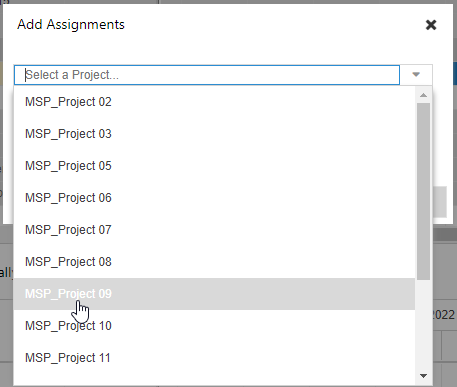
▪Click OK.