Settings
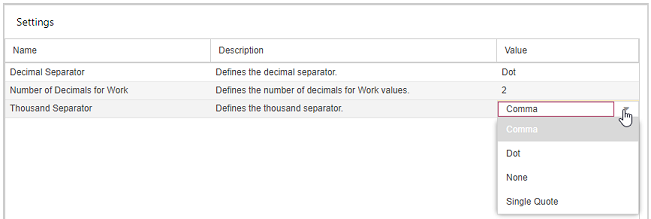
In the Settings view, you can define individual settings for the decimal separator, the number of decimal places and the thousand separator.
The settings will be permanently saved per user so that each user can define their own number format.
➤ The decimal sparator must be different from the thousand separator.
If you reduce the number of decimals, non-integer work values will be displayed as rounded.
▪Double-click in the Value column of the format you want to change.
▪Change the number of decimals, or open the drop-down menu and select a separator.