Row grouping
|
Work Interface and Views > Scenario > Row grouping |
You can group the rows of the tables by specific column entries. Multiple groupings are possible. The first grouping performed is the main grouping.
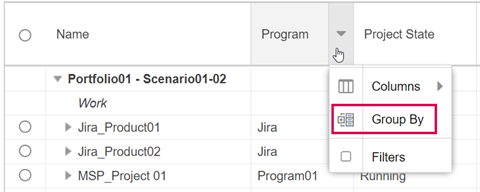
▪Go to the desired column header, click the arrow that appears and select Group By.
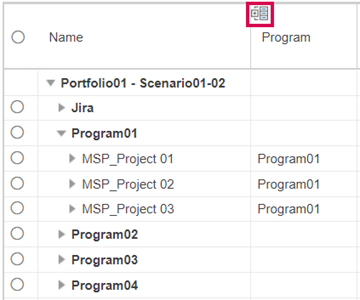
The grouping will be indicated by an icon in the column header.

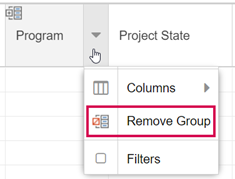
▪To undo the grouping, click the arrow in the column header and select Remove Group.
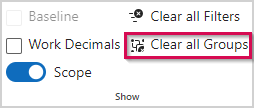
▪To undo multiple groupings, open the Scenario tab and click Clear all Groups in the Show group.