Sorting and rearrangement
|
Work Interface and Views > Matrix > Sorting and rearrangement |
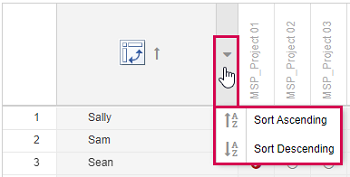
The order of the matrix rows can be switched between ascending and descending.
▪Go to the field above the name column, click the arrow that appears and select the desired order.
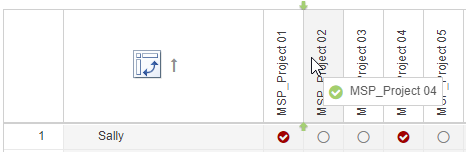
The order of rows and columns can be changed by drag and drop.
▪Go to a column header or a row and drag it to the desired place by holding down the mouse button.
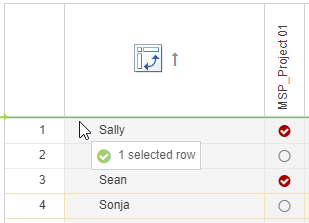

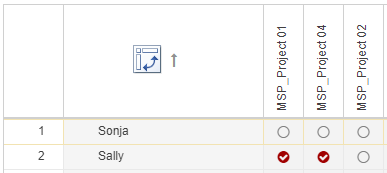
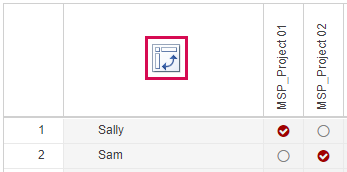
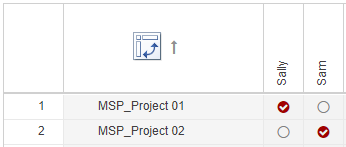
▪To swap the arrangement of rows and columns, click the icon in the upper left corner.