Creating a project
|
Planning Procedure > Projects > Creating a project |
New projects can be created from the homepage or in the Task view.
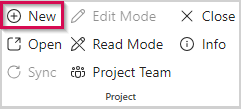
▪Click New on the menu bar.
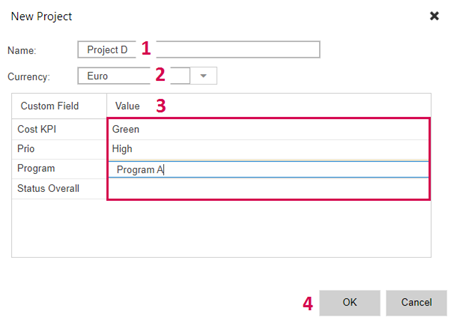
▪Enter a name for the project (1) and select the currency to be used for cost calculation (2).
➤ The name you enter here will also be the name of the project summary task. Once saved, the name of the project summary task will remain unchanged even if you rename the project.
▪Enter values for the custom fields (3).
Mandatory fields are marked with an asterisk.
▪Click OK (4).
This will create a project with the corresponding project summary task. The next step is to fill the project with tasks.