Timeline Start
|
Work Interface and Views > Timeline > Timeline Start |
By default, the timeline starts with current unit. For example the timeline Unit is set to Month, and the current month is August then the timeline starts with August.
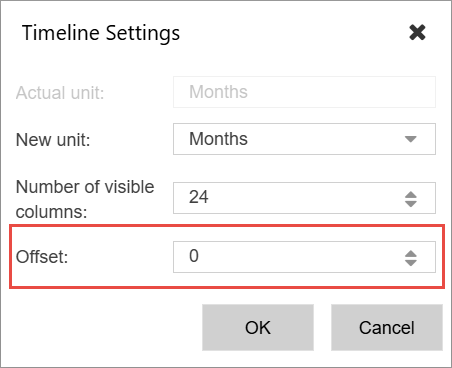
However, sometimes you want to see the some units before the current one, then you can set a negative Offset to see the number of Units before the current one.
Or you want to start he timeline a few units into the future then you can set a positive Offset, to start the timeline a few units into the future.
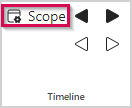
▪In the Timeline group of the menu bar, click Scope.
▪Select the desired planning offset from the drop-down menu Offset and click OK.