Restoring projects to baseline
|
Planning Options > Editing projects > Restoring projects to baseline |
You can restore all projects of the scenario to the baseline at once or restore only specific projects.
▪To restore all projects to the baseline, open the Scenario tab.
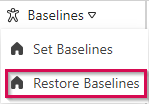
▪Click Baselines in the Scenario group of the menu bar.
▪Select Restore Baseline.
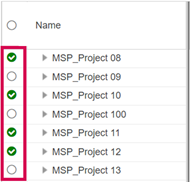
▪To restore only specific projects, select them in the project table.
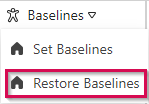
▪Click Baselines in the Edit group of the Projects tab.
▪Select Restore Baseline.