Grouping exceptions
To simplify the allocation of exceptions to calendars, exceptions can be grouped. For example, you can define a group of fixed holidays or groups of holidays recognized in specific regions.
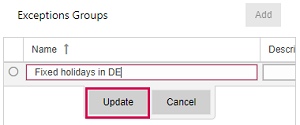
▪Click Add above the Exceptions Groups table.
▪Fill out the form and click Update.
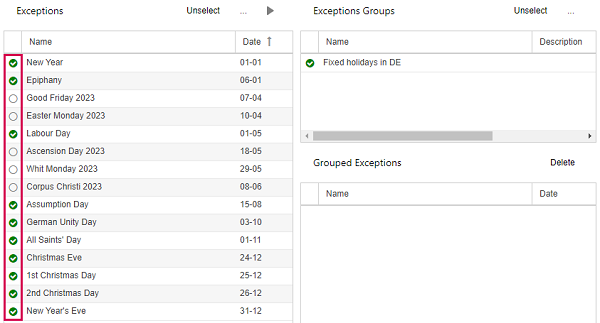
▪Select the exceptions you want to group and the group.
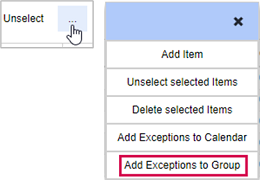
▪Click the three dots above the Exceptions or the Exceptions Groups table and select Add Exceptions to Group.
The exceptions will be shown in the Grouped Exceptions table.

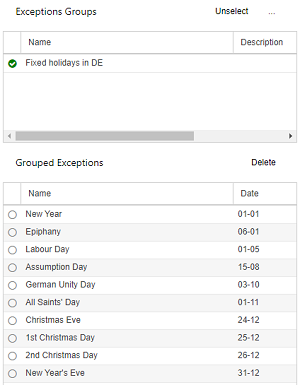
▪If you want to delete an exception from the group, select it in the Grouped Exceptions table and click Delete above the table.