Selection of items for editing
|
Work Interface and Views > Scenario > Selection of items for editing |
In the project and resource table, individual projects and resources can be selected for editing or updates.
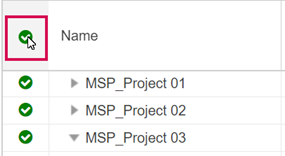
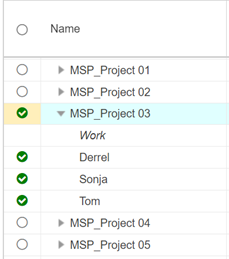
▪To select or deselect an item, use the checkboxes in the first column.
Selecting a group item will select the sub-items automatically.
▪To select or deselect all items at once, use the checkbox in the column header.