Selected project
|
Work Interface and Views > Plan > Predefined project filters > Selected project |
To focus on a specific project, you can filter out all other projects.
➤ While this filter is applied, only assignments can be added via the Add Item menu. Filtering via the filter pane will be disabled.
▪Select the project on the project level or the individual resource level.
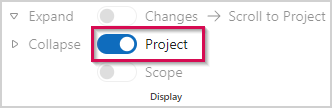
▪Click the Project filter in the Display group of the menu bar.

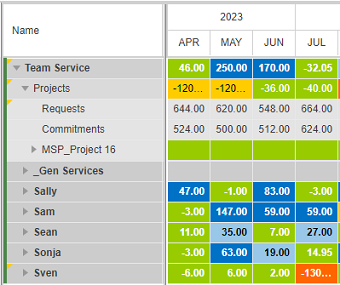
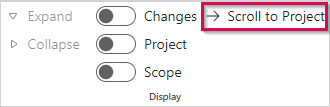
▪If the project will start in the future and you want the timeline to start with that date, click Scroll to Project.
▪To remove the filter, click the Project filter again.