Plan non-working Dates for Resources and Reflect in Availability
Exceptions for resources can now be entered in the same way that they are for base calendars:
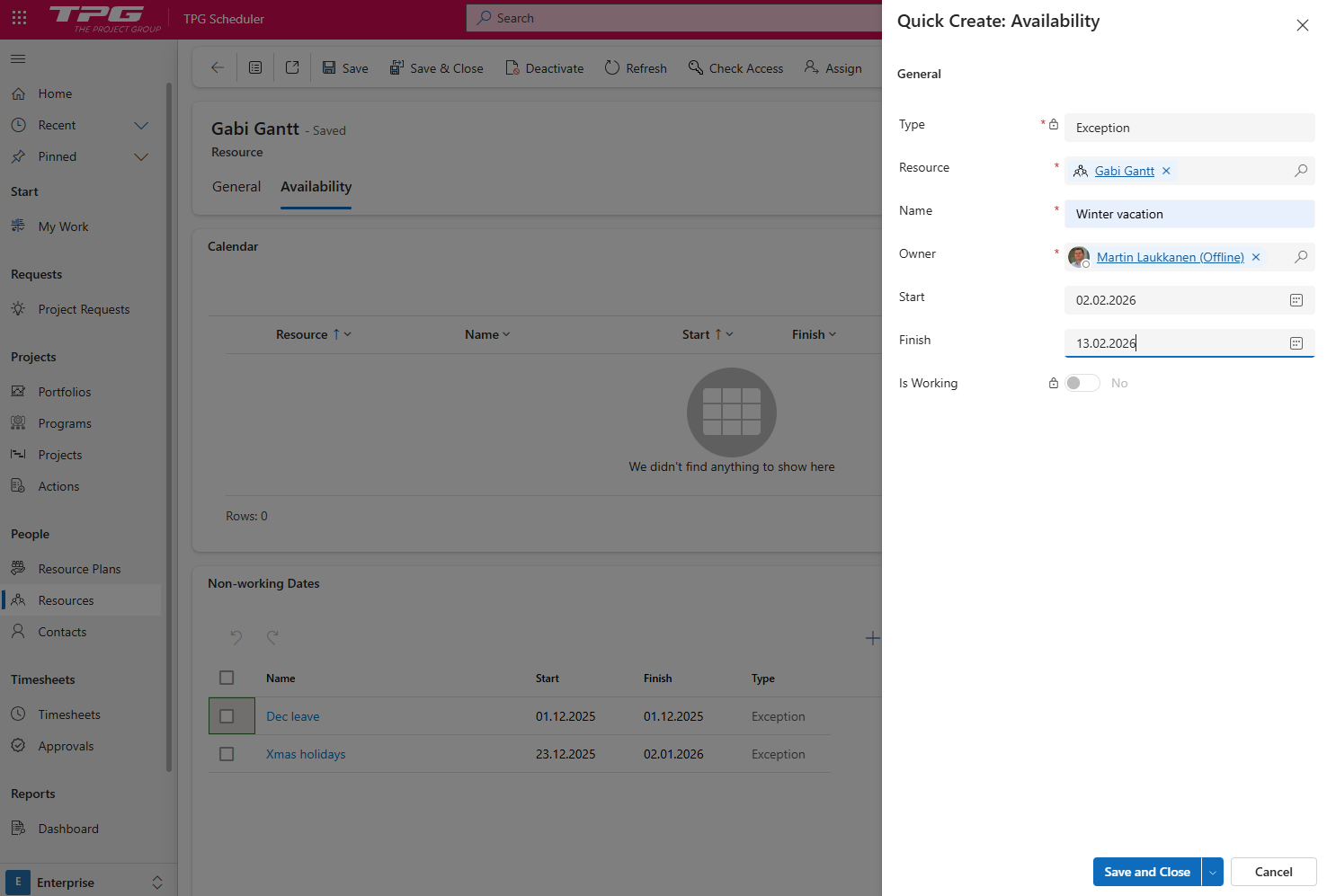
Exceptions are all counted as non-working time and will have the following effects in PPP:
▪In Scheduler tasks no work will be planned during those dates for existing and new tasks
▪Task duration or effort will be automatically adjusted depending on the task scheduling mode: Fixed duration (default) or Fixed effort.
▪In Resource plan (and reporting) the availability for the given month or week will be reduced to exclude the working days during the exception dates
▶ When adding new exceptions existing projects will not be re-scheduled until the next time they are opened by a user with write permissions.