Bug Fix: CSV Import Fails in Non-English Environments
Fixed an issue where the installer failed to import CSV files in non-English environments.
During installation of the TPG Scheduler component, errors could occur (e.g. related to attachment size or failed imports). This was caused by language-dependent column names in CSV files (such as Availability and Project Types), which prevented correct data mapping.
To resolve this:
1.Fails when installing TPG Scheduler component. The error complains about the attachment size.
➢Please go to the Admin centre
➢Open your environment
➢Go to Settings
➢Search for attachments
➢Increase the attachment size to at least 6MB. Recommended setting is to increase it 10240, or 10MB.
2.The last few steps fails when the user's display language isn't set to English
➢
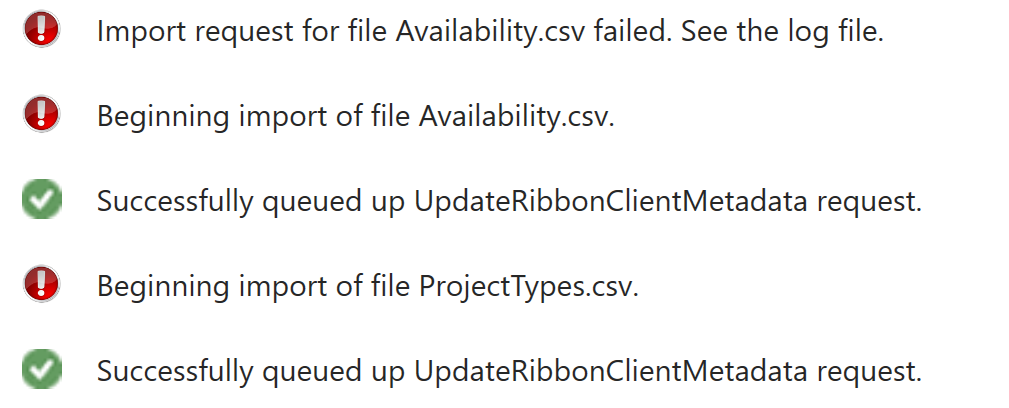
➢This happens because we are trying to import CSV files for Availability and Project Types, but because the column names differ between language, it can't map the data
➢The post- deploy plug-in will also create these records if they don't exist.
➢Check if you have a Default calendar in the Availability tab, and if you have a Default Project Type