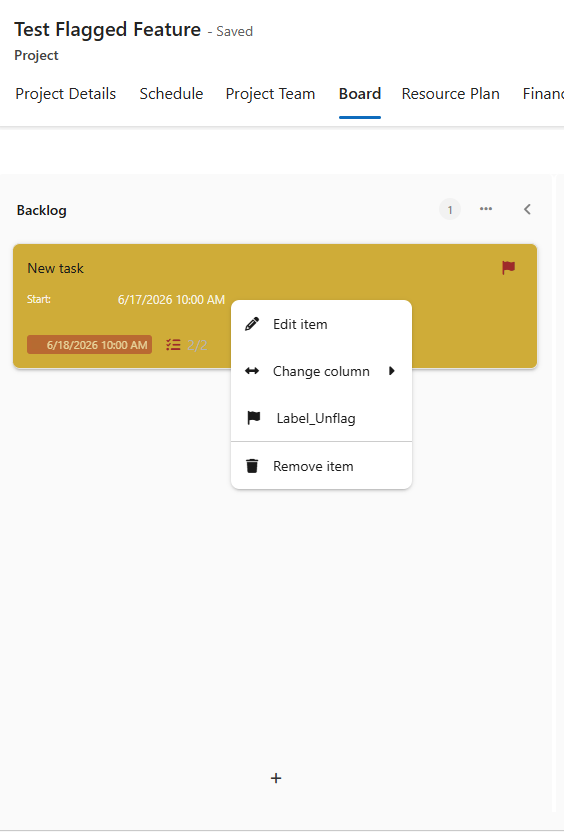
One-Click Flagging of Important Items
You can now mark tasks and actions as Important with a single click.
▪Right-click a task and select Flag or Unflag to toggle its importance status.
▪Flagged tasks are highlighted in gold and display a red flag icon.
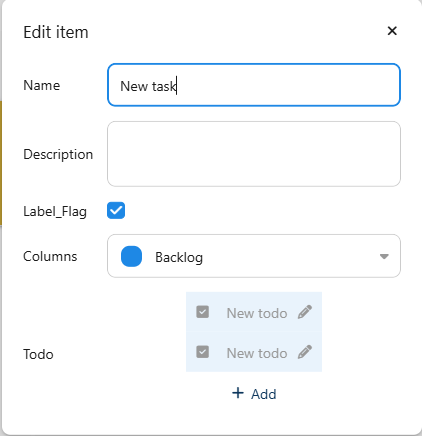
▪The flag status can also be changed using a toggle option in the task's edit form.
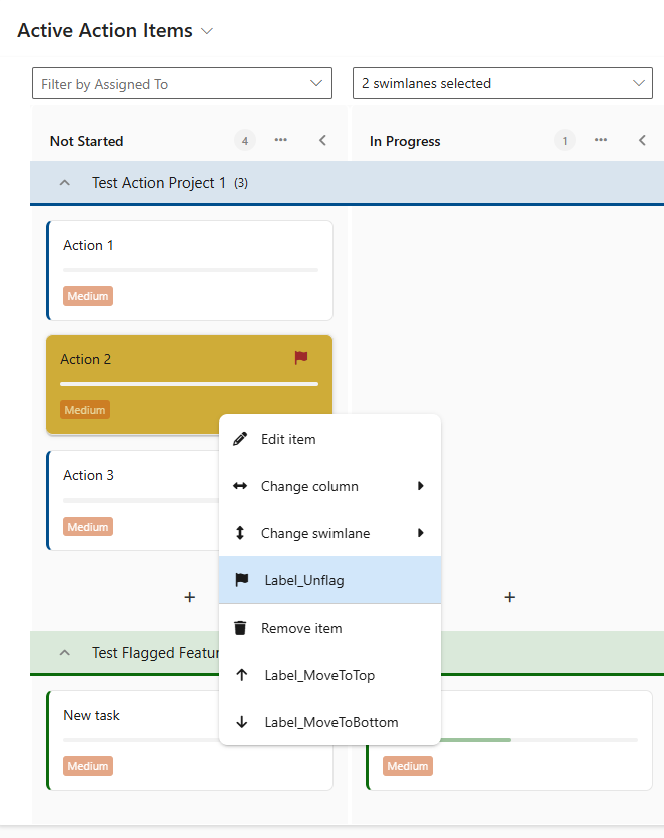
▪In the Actions tab, action cards can also be flagged or unflagged via the right-click menu.
▪Flagged action cards are highlighted in gold and display a red flag icon.
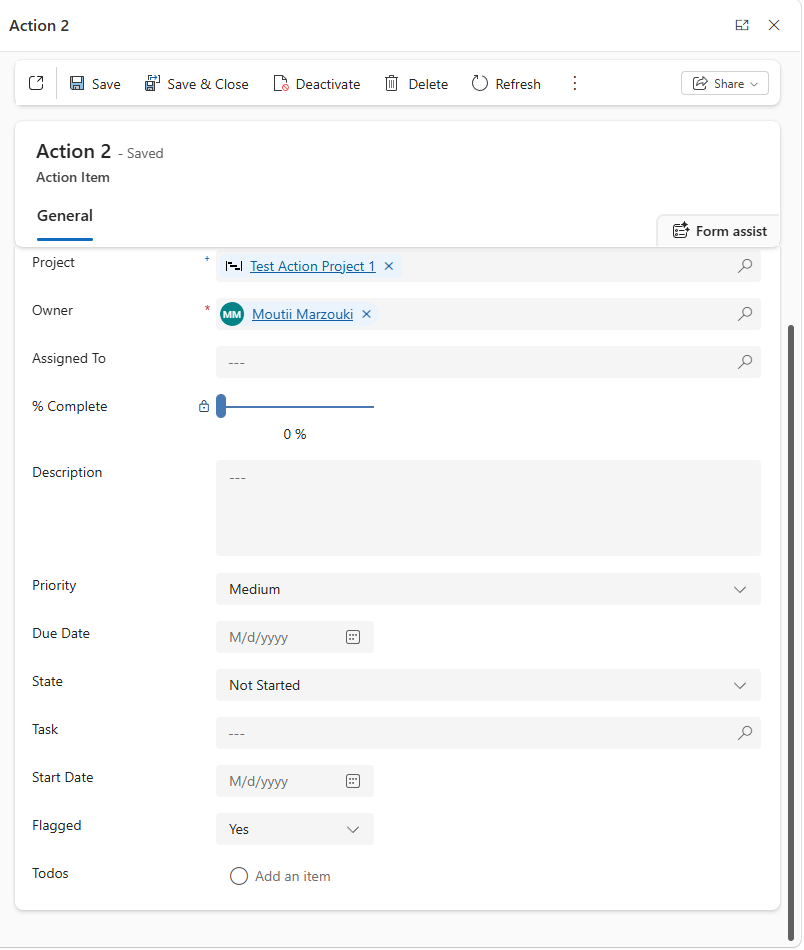
▪For actions, the flag status can additionally be changed in the edit form using a Yes/No field.