Convert Task to Milestone
You can convert an task into a milestone.
There are 3 options for converting a task into a milestone.
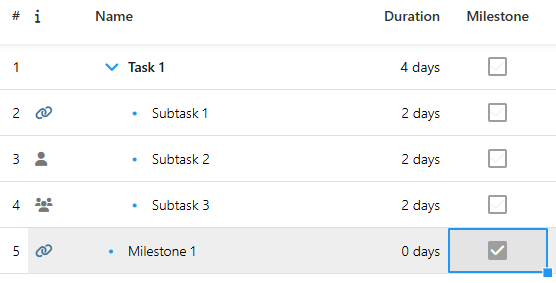
1. In the Duration column, set the duration to 0.
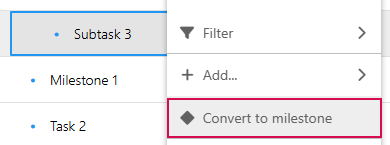
2. Select Convert to milestone from the drop-down menu.
➢Right-click on the task that you want to convert into a milestone. ▶ The drop-down menu opens.
➢Click on Convert to milestone. ▶ The task is converted into a milestone.
3. Show the Milestone column (see Schedule - Table) and activate the checkbox.