Row sorting
|
Work Interface and Views > Scenario > Row sorting |
You can sort the rows of the tables by specific column entries.
▪Click in a cell of the desired column.
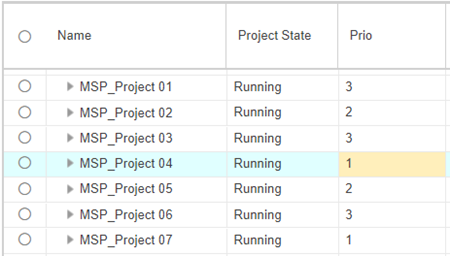
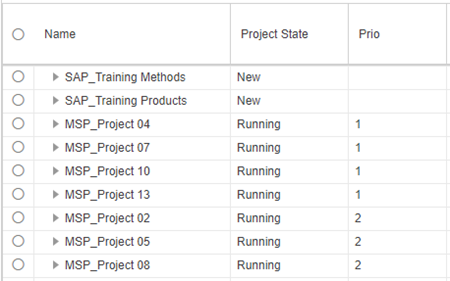
In the example below, the project table shall be sorted by priority.
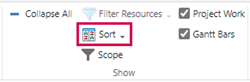
▪Click Sort in the Show group of the respective tab.

▪To remove the sorting, place the cursor in a cell of any column of the sorted table.
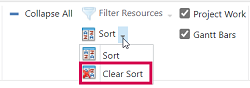
▪Open the Sort drop-down menu and select Clear Sort.