Editing of records
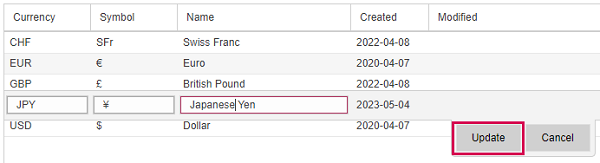
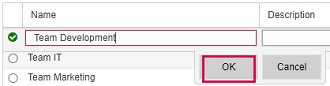
Most records can be edited after double-click in the respective row. Editable entries will be shown in an input field.
➤ In the Teams view, first select the team you want to edit and click Edit mode above the table.
▪To finish editing, click Update or OK respectively.