Teams

In this view, you add or delete teams, grant permissions to specific users, and define team members and their membership periods.
Teams can be organized in parent teams and sub-teams. Members of a sub-team will not automatically be members of the parent team.
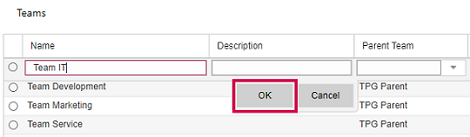
▪To add a team, click Add above the Teams table.
▪Fill out the fields.
The Name field is required.
To convert the team into a sub-team, select the parent team from the drop-down menu in the Parent Team column.
▪Click OK.
▪Select the checkbox next to the team name to define related user permissions.
▪Click Add above the Team Roles table.
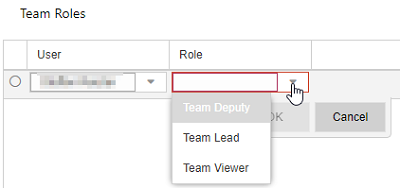
▪Select a user and their role from the drop-down menus.
A Team Lead and a Team Deputy can edit the team plan in TPG TeamManager.
A Team Viewer has only read access to the team plan.
A team can have several deputies or viewers but only one team lead.
▪Click OK.
The next step is to add resources as team members.
Withdrawing user permissions
▪Select the team in the Teams table and the user in the Team Roles table.
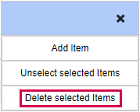
▪Click the three dots above the Team Roles table and select Delete Selected Items.