Capacity line
|
Work Interface and Views > Scenario > Resource table > Capacity line |
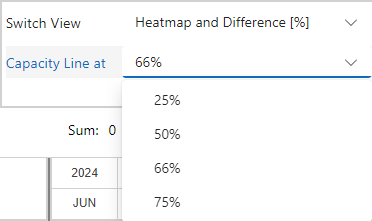
By default, the capacity line in the histogram is set to 66% of the row height. Sometimes it may be helpful to adjust this value. For example, if there is a very high overload, a lower capacity line helps to better estimate the ratio between capacity and overload.
▪Go to the View group of the Resources tab.
▪Open the drop-down menu next to Capacity Line at and select the desired value.