Projects in timeline scope
|
Work Interface and Views > Plan > Predefined project filters > Projects in timeline scope |
To see only projects that have time-phased data in the actual timeline scope, you can filter out all other projects:
➤ While this filter is applied, the Add Item menu is disabled. Filtering via the filter pane will be disabled.
▪Click the Scope filter in the Display group of the menu bar.
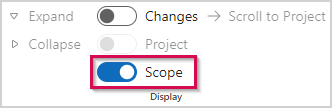

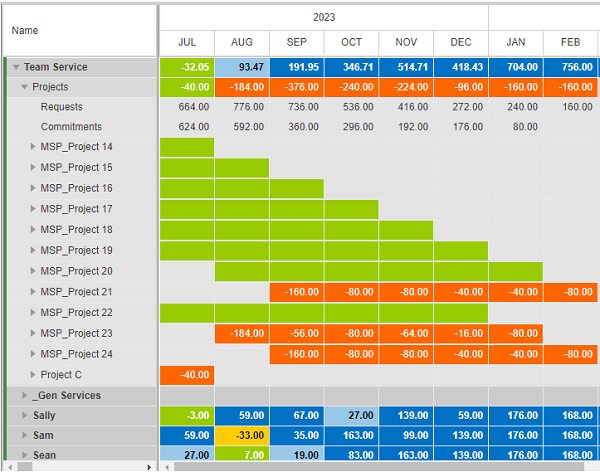
▪To remove the filter, click the Scope filter again.