Creating a scenario
➤ Scenarios are based on portfolios created by the administrator. You can create and/or edit scenarios only for portfolios for which you have permissions. The permissions are granted by the administrator.
When a portfolio is created, a scenario named New Scenario is automatically created. For changing the scenario name, see Renaming a scenario.
Further scenarios can be created from an open scenario.
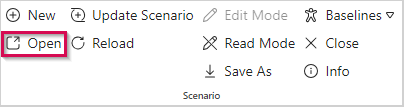
▪If you have not opened a scenario of your portfolio, click Open in the Scenario group of the menu bar.
▪Open a scenario of your portfolio.
If there are already several scenarios based on the same portfolio, it does not matter which of these you open. The scenario you create will be based on the actual configuration of the portfolio in the administration tool.
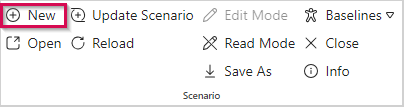
▪Click New on the menu bar.
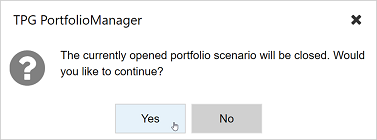
▪In the query that appears, click Yes.
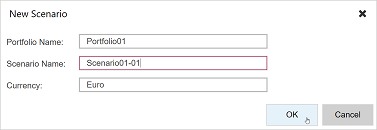
▪Enter a name for the scenario and click OK.
The currency is set by the administrator for the portfolio and cannot be changed here.