Deleting assignments
|
Planning Options > Editing assignments > Deleting assignments |
There are three options to delete an assignment of a resource to a project:
In the project table
▪Go to the desired project and select the resource(s) whose assignment you want to delete.
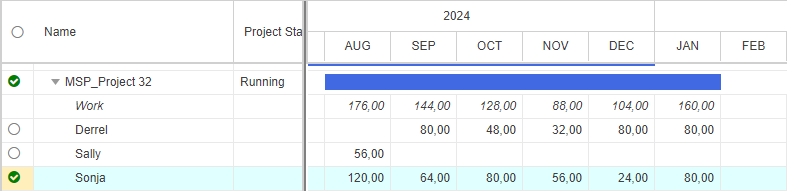
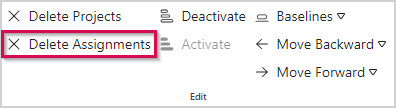
▪Click Delete Assignments in the Edit group of the Projects tab.
In the resource table
▪Go to the desired resource and select the project(s) of which you want to delete the assignment.
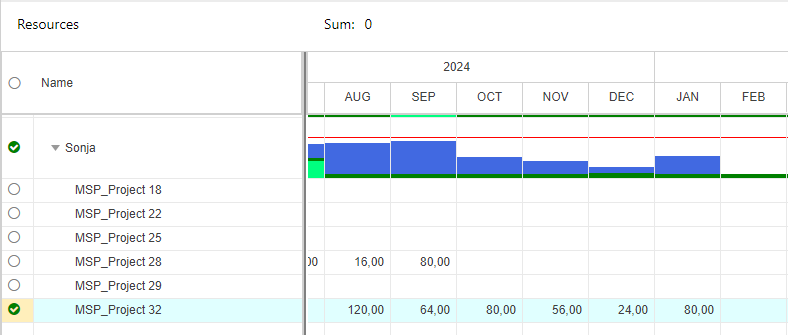
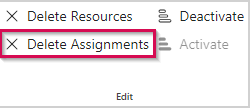
▪Click Delete Assignments in the Edit group of the Resources tab.
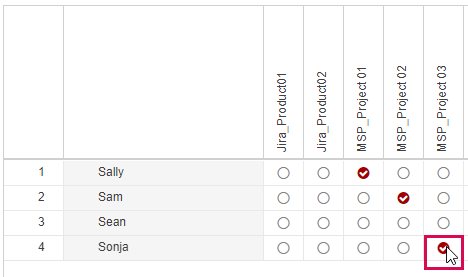
In the Matrix view
▪Deselect the checkbox of the assignment(s) you want to delete.
➤ Assignments and work values that are stored in the source projects but have been deleted from the scenario can be reloaded with the Update Projects function. This will reload all assignments of the selected project. It is not possible to restore assignments individually.