Moving assignments
|
Planning Options > Editing assignments > Moving assignments |
To optimize the resource utilization, assignments can be moved on the timeline in the same way as projects.
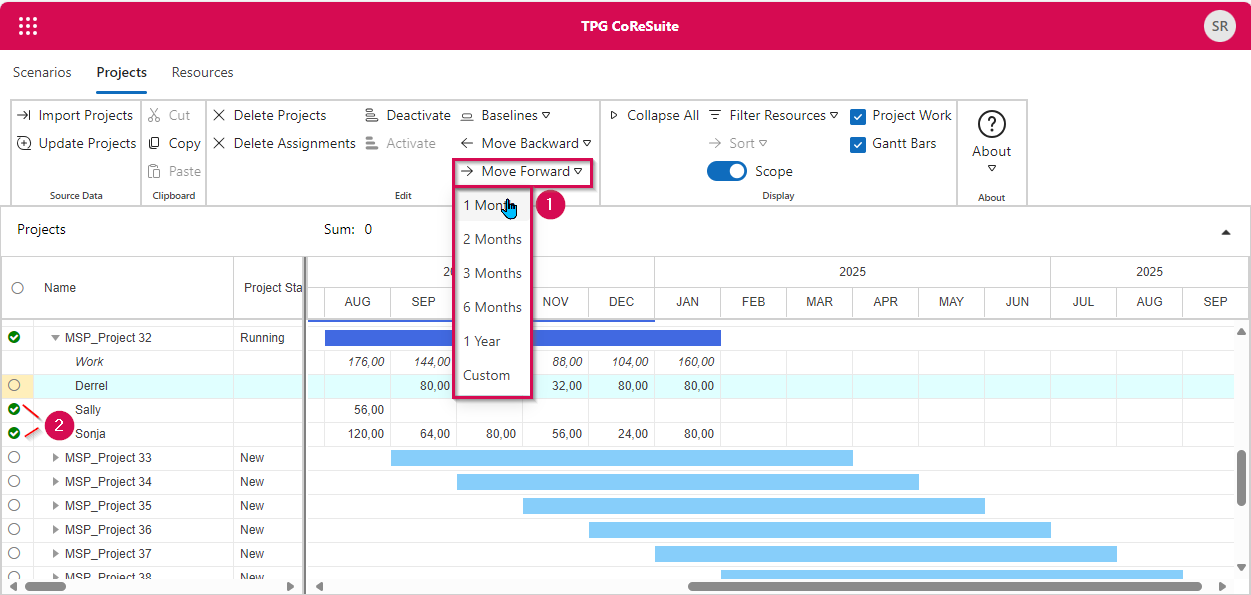
▪Go to a project in the project table and select the resources whose assignment(s) you want to move (2).
In the example below, two resources of MSP_Project 18 have been selected.
▪Click the arrow below Move in the Edit group of the menu bar (1). Go to the desired shift direction in the drop-down menu and select the period by which the assignment(s) should be moved.
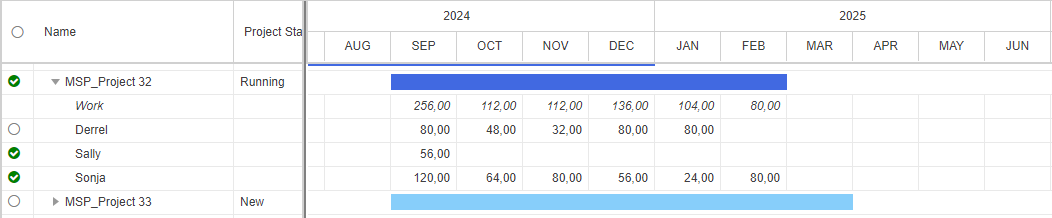
In this example, the selected resources will be moved forward by one month. Due to the move of _Gen Training, the project will be prolonged by one month.